Which asset tracking method do you need? A practical guide to asset tracking software
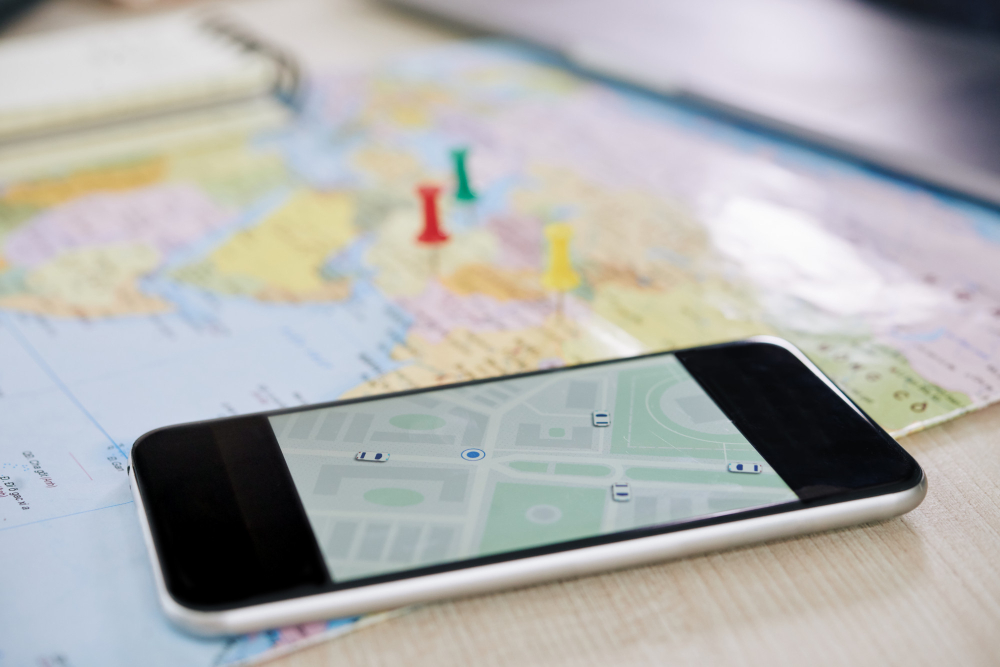
Whether you manage vehicles, laptops, tools, or an ever-growing zoo of office furniture, knowing where your assets are (and what they’re doing) can make or break your operational efficiency.
But here’s the twist: not all tracking is the same. From simple assignments to GPS dots to detailed indoor floor maps, asset tracking comes in many flavors — and each one unlocks a different level of visibility.
Let’s explore the main ways businesses track assets today, and how the right combination can turn chaos into clarity.
1. Logical Tracking: The “Who’s Responsible?” Method
Logical tracking is the simplest place to start. Think of it as a digital audit trail that answers:
- Who is this asset assigned to?
- Which team or site is responsible for it?
- When was it last checked out, returned, or serviced?
It won’t tell you exact GPS coordinates, but for many assets — laptops, office equipment, industrial machines — this level of tracking is all you need to prevent things from mysteriously vanishing into the void.
Best of all, with modern asset tracking software, these assignments happen automatically, not through dusty asset inventory spreadsheets.
2. Physical Position Tracking: Where Was It Last Seen?
Physical position tracking captures the last known location of an asset. This usually happens when:
- Someone scans a QR/NFC tag
- A barcode is logged
- An app records a manual check-in/out
- A device sends a periodic GPS update
This gives you a reliable snapshot of where the asset was most recently spotted — without needing full real-time hardware.
But here’s where it gets interesting:
Outdoor vs. Indoor Tracking
Most businesses already understand outdoor position tracking:
- You get a GPS location
- You view it on Google Maps
- You see where your Audio/Video equipment, workers’ tools or events’ items was last active
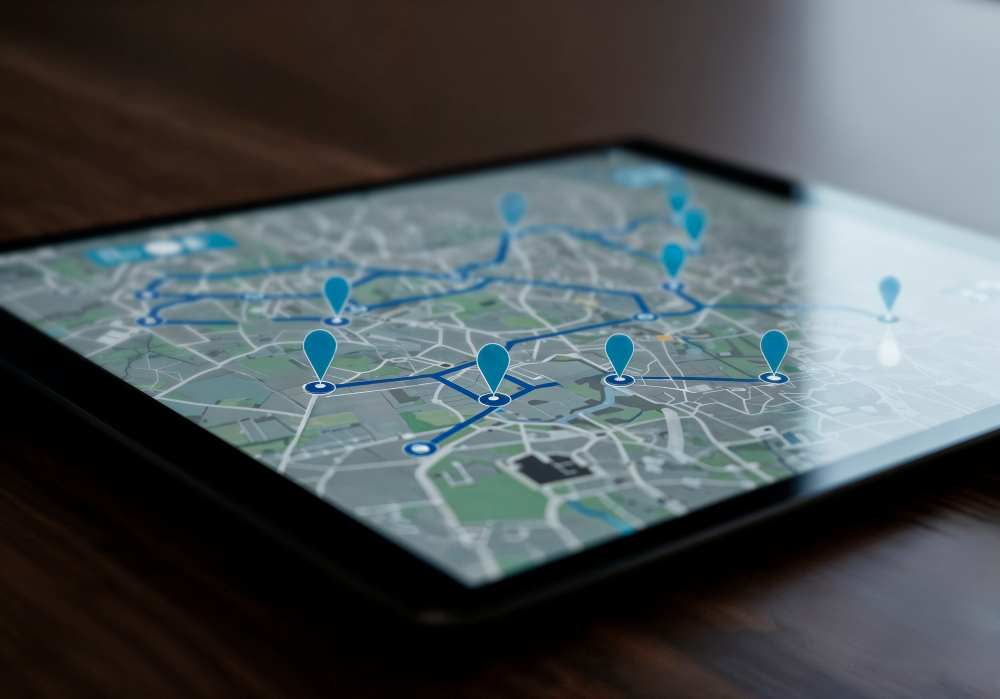
But what about indoor assets? Your desks, storage racks, appliances, workshop tools, facilities equipment… they’re not exactly pinging satellites.
For indoor environments, physical tracking often uses floor map markers instead of GPS.
So instead of a dot on Google Maps, you get a marker placed on:
- A warehouse floor plan
- An office layout
- A facility or workshop map
- A storage room schematic
It’s like Google Maps… but for inside your building.
Indoor maps are incredibly useful for:
- Shared tools in workshops
- Furniture and office equipment
- Facilities and maintenance assets
- Warehouse items that move around often
You always know where items were last used, placed, or scanned — without relying on hardware that can’t access GPS indoors.
3. Real-Time Tracking: Live Visibility With GPS, IoT & Telematics
Now we enter the high-tech territory.
Real-time asset tracking software uses connected devices — GPS trackers, IoT sensors, telematics hardware — to continually send live location and activity data.
This method is especially valuable for:
- Vehicles & fleets – including journeys history
- Construction and agricultural machinery
- High-value mobile equipment
- Rental assets
- Anything that moves frequently across sites
But real-time data goes far beyond location. Depending on the device, you can also track:
- Engine status
- Running time vs idle time
- Fuel consumption
- Utilisation patterns
- Shock, temperature, or environmental events
- Maintenance triggers
It’s like giving your assets a smartwatch: they tell you where they are and how they’re feeling.
Bonus: Hybrid Tracking — The Perfect Combo
The smartest businesses don’t choose one tracking method — they mix them.
For example:
- Logical tracking for employees’ laptops
- Indoor floor-map tracking for warehouse tools
- Outdoor GPS tracking for vehicles and equipment
- Real-time IoT data for machinery health and usage
When combined in an asset tracking software, these methods give you a complete, 360° picture of asset activity — from HR assignments to physical movement to operational performance.
How Bulbthings Makes All This Delightfully Simple
No matter where your assets live — on the road, inside an office, in a warehouse, or scattered across job sites — Bulbthings brings every tracking method together into one powerful, AI-driven platform.
With Bulbthings, you can:
👉 Track responsibility
Assign assets to people, teams, and locations with automated logical tracking.
👉 Track physical locations
- Outdoor assets are shown with GPS positions on Google Maps
- Indoor assets are placed on custom floor maps, so you always know their last scanned or reported location
👉 Track real-time activity
Use GPS trackers, IoT sensors, and telematics devices to monitor:
- Live location
- Utilisation
- Engine hours
- State or condition
- Unexpected movements
💡Use AI for instant onboarding and automations
Bulbthings AI helps you track your assets using simple natural language, automate workflows and get instant reports to make informed decisions.
In Short:
Whether your assets are inside, outside, stationary, mobile, or somewhere in between, Bulbthings helps you track them smarter, not harder — without juggling multiple tools or drowning in spreadsheets.
Ready to see it in action?
👉 Try Bulbthings for free and discover the future of AI-powered asset tracking.